
How can I make one QR code open different links based on the user’s device?
You can use the Device condition in Smart QR Code to send users to different links depending on whether they scan using an Android device, iOS device, desktop, or tablet.
For example, one QR code can direct Android users to Google Play and iOS users to the App Store.
Set up device-based destinations
- Open the Smart QR Code generator, or edit an existing Smart QR Code.
- Under Scan Destination 1, select Destination and enter the first link.
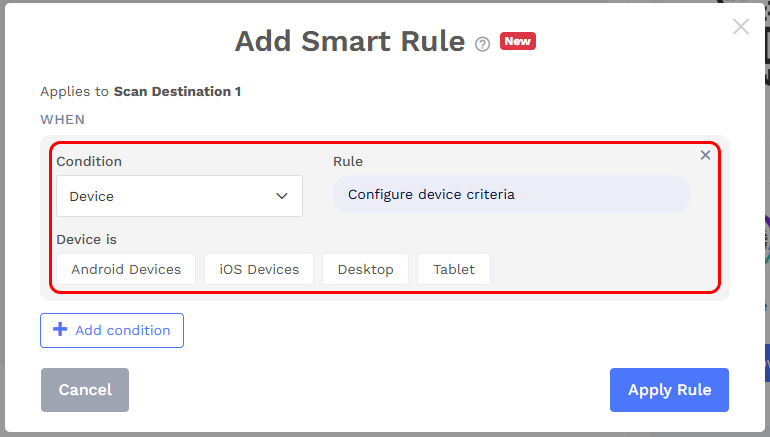
- Click + Add Smart Rule and select Device under Condition.
-
Under Device is, select the applicable options: Android Devices, iOS Devices, Desktop, or Tablet. Click Apply Rule.
- Click + Add More to add another scan destination. Enter its link and configure its Device condition.
- Repeat for any additional destinations, then save your Smart QR Code.
For an app-download use case, configure:
| Scan destination | Link | Device selection |
|---|---|---|
| Scan Destination 1 | Your app’s Google Play listing | Android Devices |
| Scan Destination 2 | Your app’s App Store listing | iOS Devices |
You can also configure a fallback destination, such as your app’s website, for scans that do not match any destination’s rules.