
What happens if none of my Smart QR Code rules match?
If none of your scan destinations’ rules match, users are redirected to your configured fallback destination.
If you have not set a fallback destination, users see QRCodeChimp’s No QR Rule Applicable page.
Set a fallback destination
-
Open your Smart QR Code in edit mode.
Expand Fallback URL When Smart QR Rules Don’t Match (Optional).
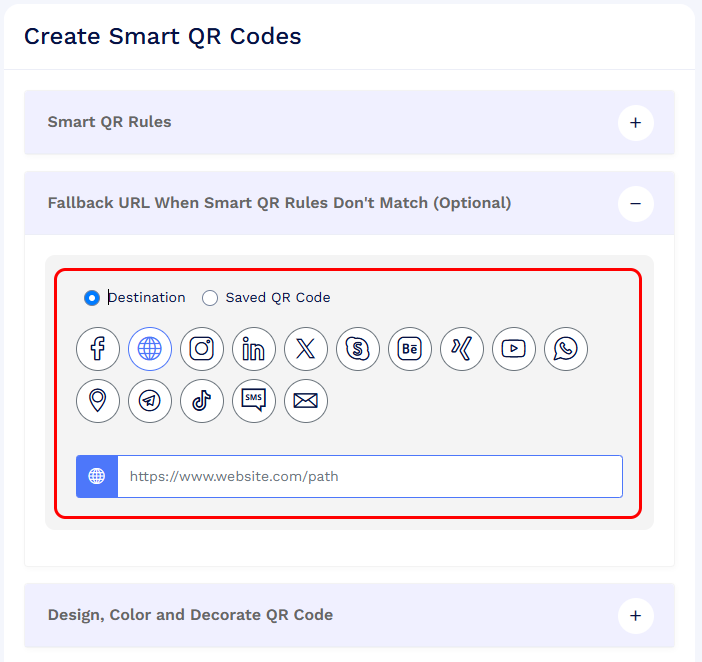
Choose one of the following options:
- Destination: Select the destination type and enter the required URL or details.
- Saved QR Code: Select an existing QR code from your account to open its content.
- Click Save QR Code to save your changes.
We recommend adding a fallback destination so users can reach relevant content even when none of your rules match.