
How do I combine multiple rules for one scan destination in Smart QR Code?
You can combine conditions to control when a particular scan destination opens. For example, you can open a destination only for users scanning from an Android device in a selected country.
Add multiple conditions
- Open your Smart QR Code in edit mode.
- Under the relevant scan destination, click + Add Smart Rule or Edit Smart Rule.
- Select and configure the first condition.
-
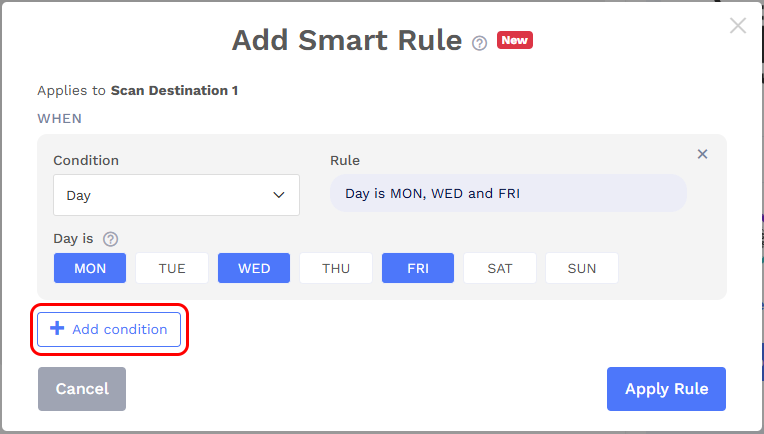
Click + Add condition and configure another condition.
-
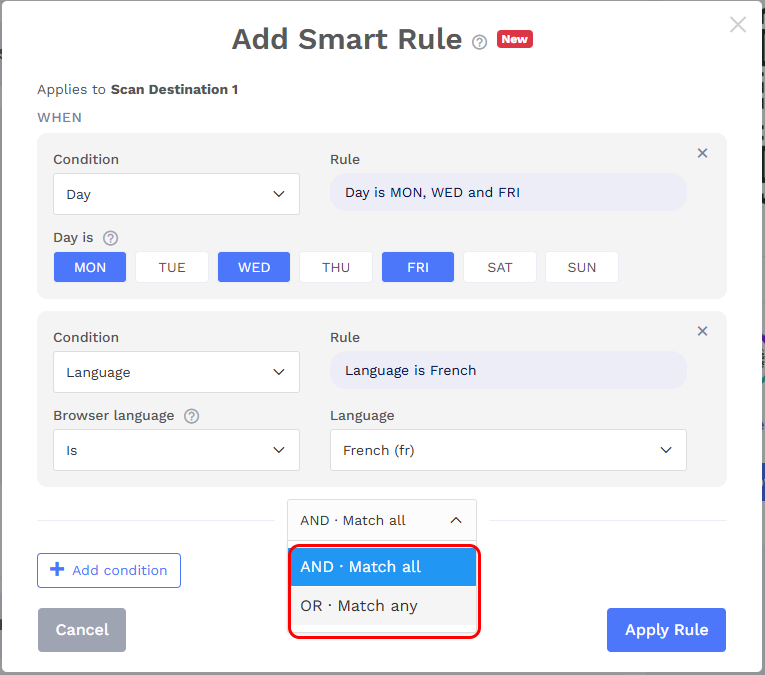
Choose how the conditions should match:
| Option | How it works | Example |
|---|---|---|
| AND · Match all | Every configured condition must match. | Device is Android and country is United States. Both must match for this destination to qualify. |
| OR · Match any | At least one configured condition must match. | Browser is Chrome or language is Spanish. Either condition can make this destination qualify. |
- Click Apply Rule, then save your Smart QR Code.
The AND/OR setting applies to the conditions within that scan destination’s rule.