
How do I delete a sub-account?
You can delete a sub-account by following the steps below:
- Go to your QRCodeChimp Dashboard and Navigate to the Sub-accounts.
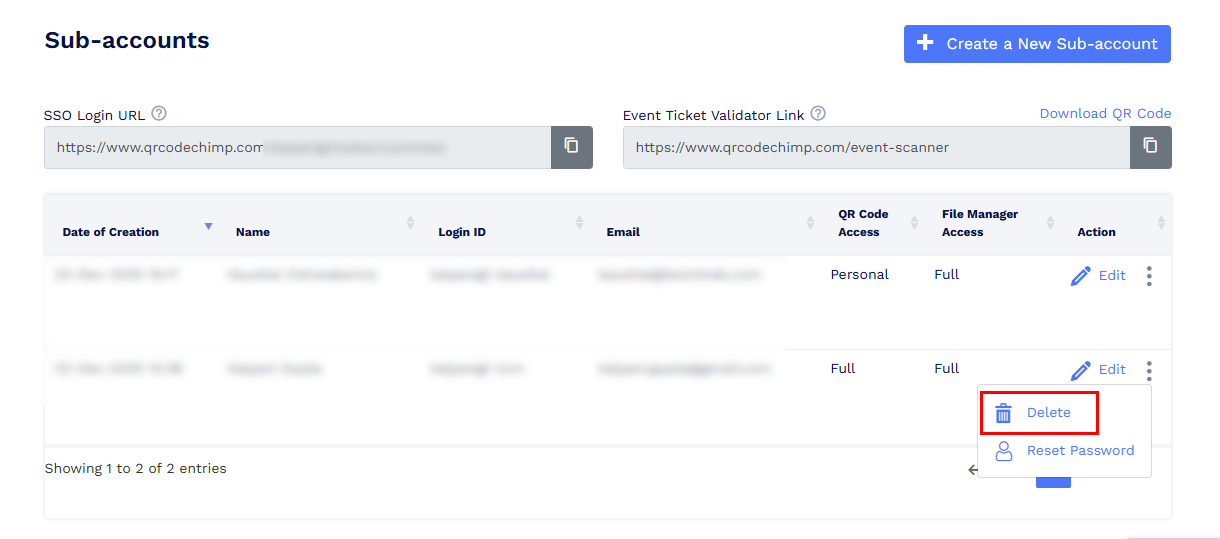
- Locate the sub account you want to delete.
-
Click the three dots (More options) next to the sub account.
-
Select Delete and confirm the action.
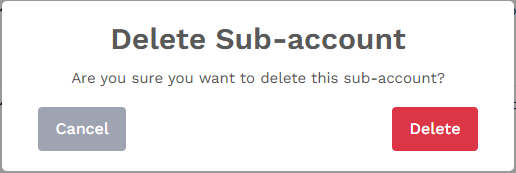
Once deleted, the sub-account will be removed. The QR codes created and files uploaded by the sub-account will remain in the main account.