
Why do I see the message “Profile name and sub heading are required to add a digital business card to Apple or Google Wallet”?
This message appears when the Profile section of your digital business card is disabled or when the Profile Name or Subheading fields are empty. The wallet feature requires the Profile section to be enabled and both the Name and Subheading fields to be filled.
Case 1: Profile section is disabled
The wallet feature requires the Profile section to be active.
How to fix it
- Edit your digital business card.
- Enable the Profile section.
-
Save your QR code.
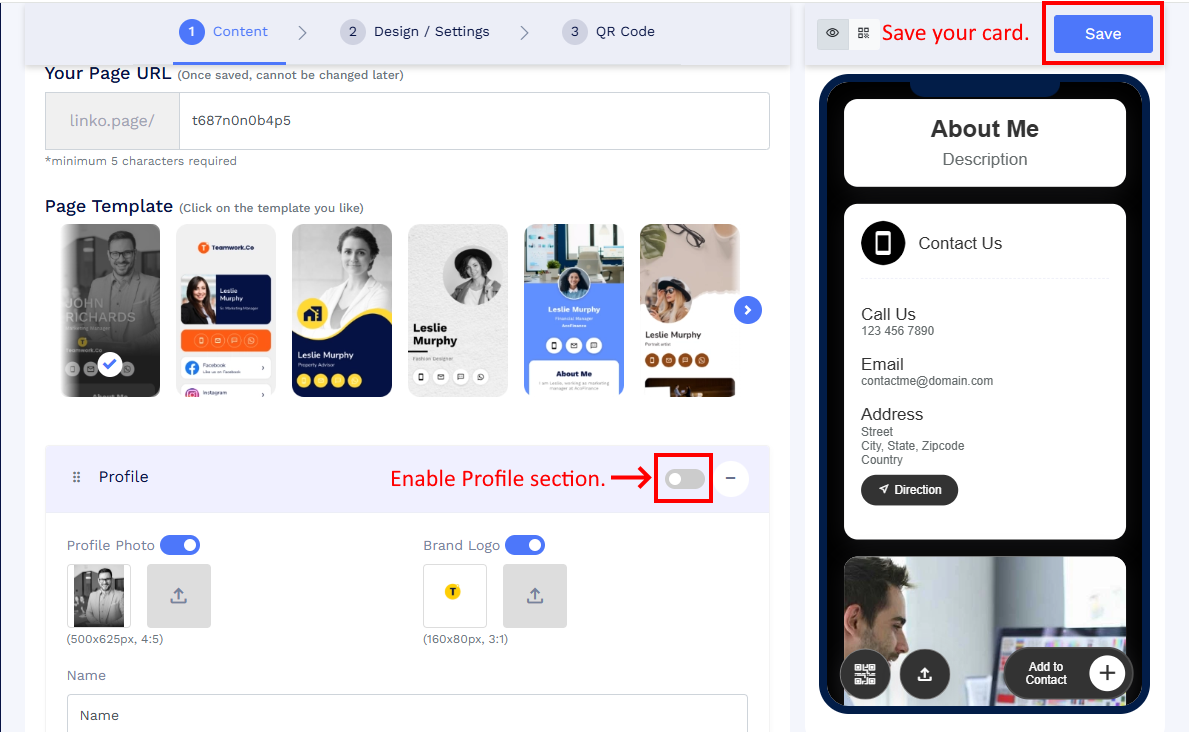
Click to see a larger version - Scan the QR code again and click Add to Apple Wallet or Add to Google Wallet.
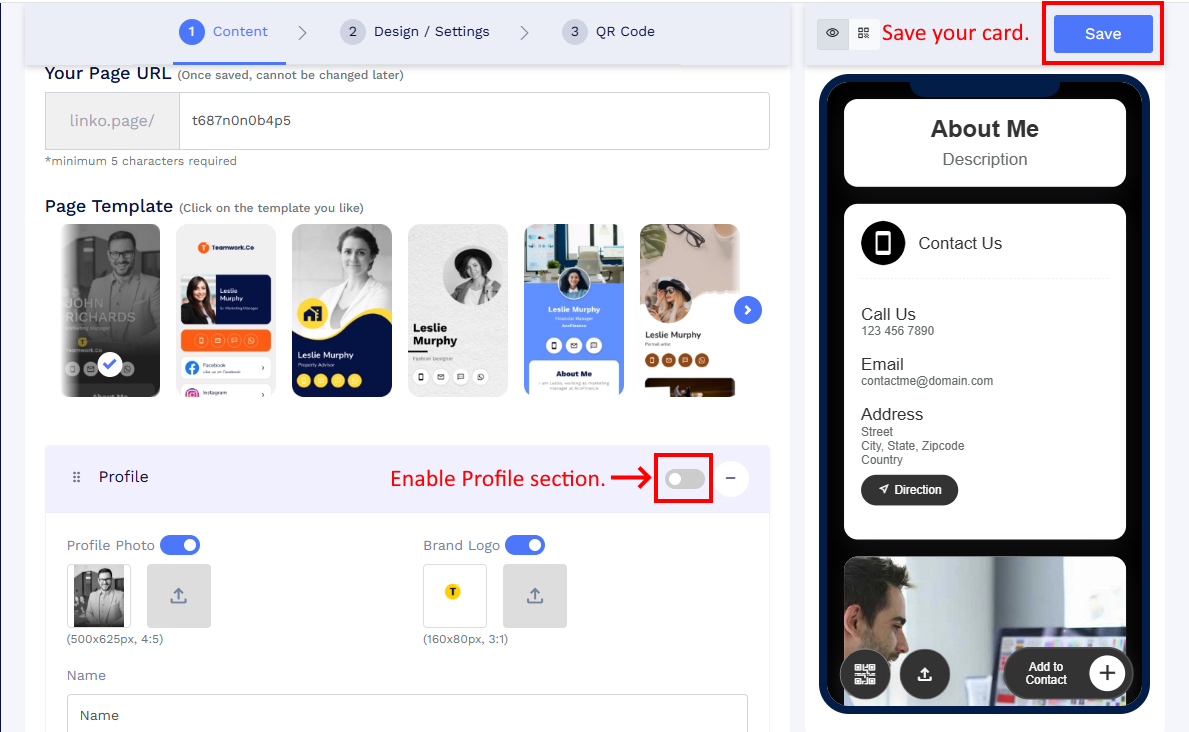
Once the Profile section is active, the wallet addition should work normally.
Case 2: Profile Name or Subheading is empty
Both fields must be filled to generate a valid wallet pass.
How to fix it
- Edit your digital business card.
- Enter a Name and a Subheading in the Profile section.
-
Save your QR code.
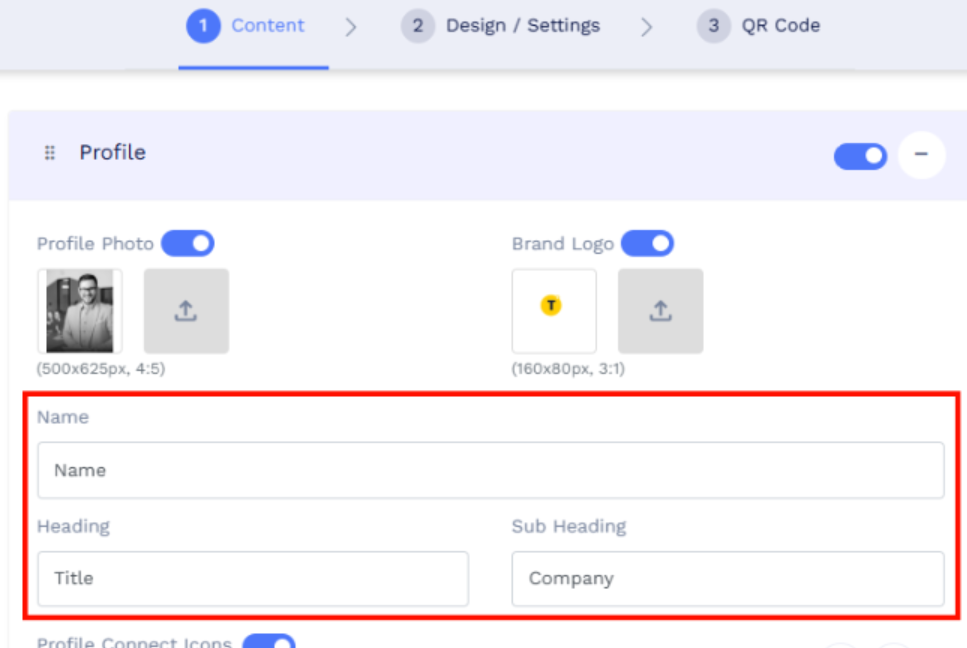
Fill Name and Subheading fields. - Scan again and click Add to Apple Wallet or Add to Google Wallet.
