
How do I reset my QRCodeChimp account password?
-
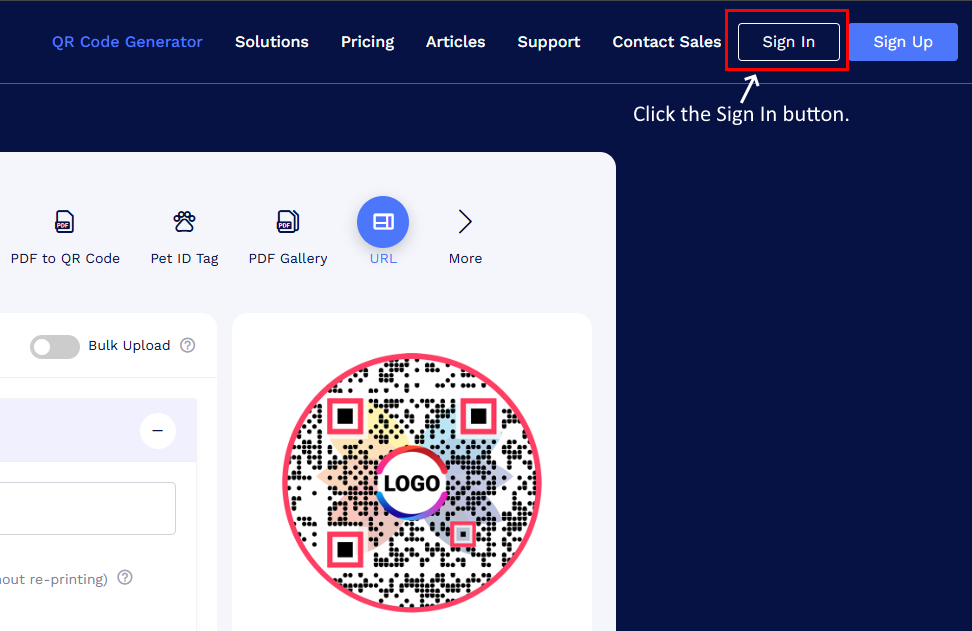
Go to https://www.qrcodechimp.com/ and click Sign In.
-
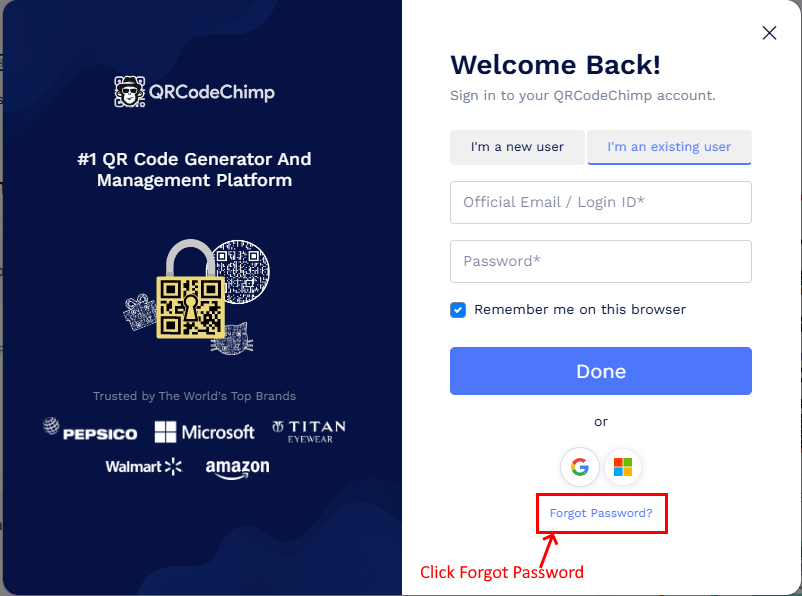
Click Forgot Password.
-
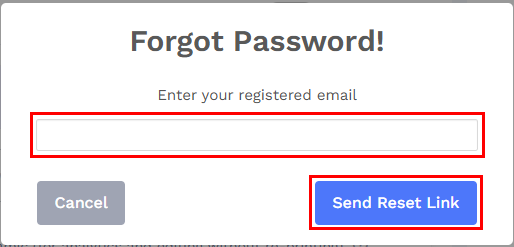
Enter your registered email address and click the Send Reset Link button.
- Check your inbox for the password reset email.
- Click the reset link and set a new password.
If you do not receive the email, please check your spam or junk folder.